Buying Guide
Seller cross-sell and bundle guide
By Cusket Editorial · Published · Updated
A practical guide for Cusket sellers building cross-sell and bundle paths that help B2B buyers compare related products.
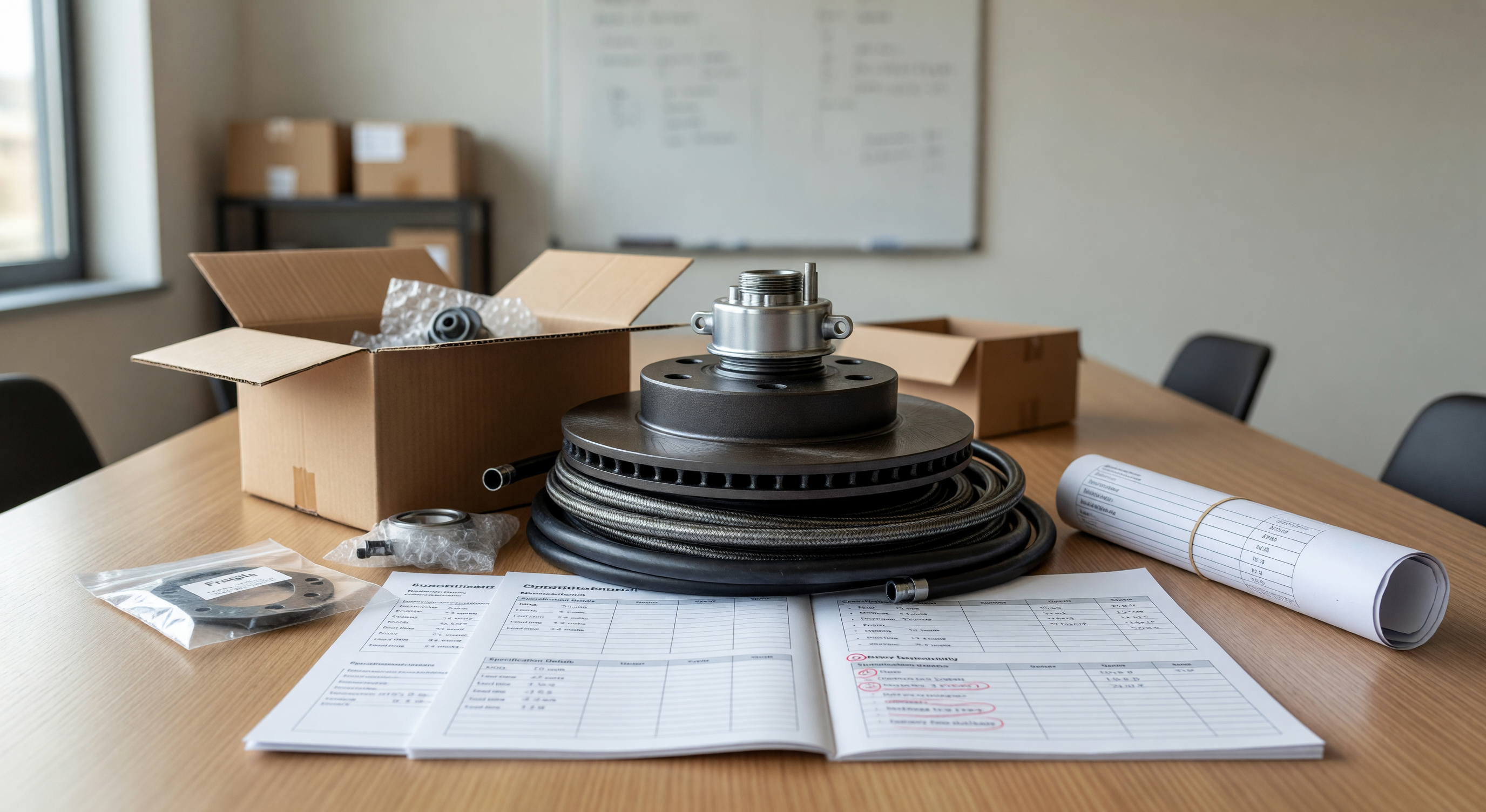
Build bundles around buyer tasks
A useful bundle starts with a buyer task, not with leftover inventory. B2B buyers often need a set of related items: a core product and accessories, a retail kit, replacement parts, packaging components, or a starter assortment for resale. When you build cross-sell paths around those tasks, buyers can understand why the products belong together.
Review your seller products and identify products that are commonly quoted together. Then check Cusket products to see how those items appear publicly. If related products are hard to find, buyers may leave before discovering the full offer. Cross-sell content should reduce that friction by showing the next logical item.
Separate bundles from random recommendations
A bundle should have a reason. “Customers also buy” is not enough unless the relationship is clear. Explain whether the item is compatible, complementary, required for installation, useful for packaging, or part of a retail set. This is especially important for technical, industrial, or customized products where the wrong accessory can create confusion.
For example, a seller of custom bottles might cross-sell caps, sleeves, brushes, and gift boxes. A seller of metal brackets might cross-sell screws, surface treatments, and drawing review services. A seller of electronics accessories might cross-sell cables, adapters, packaging, and test reports. The buyer should see the operational connection quickly.
Choose the right bundle type
There are several bundle types. A starter bundle helps a new buyer test a category. A replenishment bundle supports repeat orders. A retail bundle combines products for resale packaging. A compatibility bundle brings together parts that must fit. A value bundle improves unit economics at a higher quantity.
Choose one type for each product group. If you try to make one bundle serve every purpose, the page becomes vague. Use Cusket categories and buyer messages to decide which type matches demand. Then edit product descriptions so the bundle logic is visible on each related page.
Use a bundle planning table
Before publishing bundle language, complete this table.
| Bundle idea | Core product | Related items | Buyer reason |
|---|---|---|---|
| Retail kitchen set | Silicone spatula | Spoon, tongs, packaging box | Creates shelf-ready assortment |
| Maintenance kit | Filter unit | Replacement filter, seal, instruction card | Supports repeat service orders |
| Installation pack | Metal bracket | Screws, coating option, drawing check | Reduces sourcing steps |
| Gift pack | Bottle | Sleeve, brush, custom box | Supports promotional orders |
Add only bundles your team can quote and fulfill. If pricing, MOQ, or lead time is unclear, prepare internally before using the bundle publicly.
Place cross-sell paths where buyers decide
Cross-sell prompts should appear at decision points: product summaries, option notes, quote replies, and campaign landing pages. If a buyer is viewing a core item from Cusket search, the page should mention the most relevant related items. If a buyer asks for a quote, your response can include optional additions without pushing them aggressively.
When running Cusket ads, choose whether the campaign promotes a single item or a bundle-ready product line. If the landing page does not explain related items, ad traffic may miss the bigger order opportunity. Keep cross-sell content practical and buyer-led.
Measure bundle quality after launch
A bundle is working when it makes buyer conversations clearer. Track whether buyers ask about related items, accept optional additions, or request revised quotes that include sets. Also track confusion. If buyers ask whether items are included when they are optional, rewrite the page. If buyers assume compatibility that is not guaranteed, add conditions.
Use Cusket support only for platform help and keep seller-specific bundle clarification in your own communication. Over time, bundle data can guide product line expansion, campaign structure, and packaging development. The best bundles are not complicated. They simply help buyers source a complete solution with fewer messages and fewer missed details.
Make optional items clearly optional. Buyers should not wonder whether the quoted price includes every related product shown on the page. Use language such as “available as an add-on,” “commonly quoted with,” or “can be discussed as a set.” This protects trust when the buyer compares offers. It also gives your team room to adjust the bundle around quantity, packaging, and destination needs without appearing to change the original product promise.
Bundle planning should include operational checks, not only merchandising ideas. Confirm whether related items share production timing, carton planning, inspection steps, and document needs. If one item ships faster than another, say how the set will be handled. If packaging changes when items are bundled, prepare that explanation before quoting. Buyers appreciate bundles when they simplify sourcing; they lose trust when a bundle creates surprise conditions late in the conversation.
Do not measure bundles only by immediate order size. A bundle page can also improve buyer understanding, reduce repeated questions, and reveal which accessories buyers care about most. Those signals can justify better photos, clearer option tables, or a dedicated product page later. Record which bundle questions appear before quotes and after quotes.